Add free Twitter likes to an announcement, update, or post you want to feature on X. Choose the specific tweet, paste its public link, and select an amount. It is free to use with sponsored credits, and each request goes to the post you choose rather than running automatically across your account.
What you get
- Per request
- 10 to 320 likes
- How often
- no daily quota; as many requests as your credits cover
- What we need
- the public link to the tweet
- Starts
- after you have enough credits and submit; a second request for the same link waits for the first to finish
- Cost
- $0, no account, no card
How it works
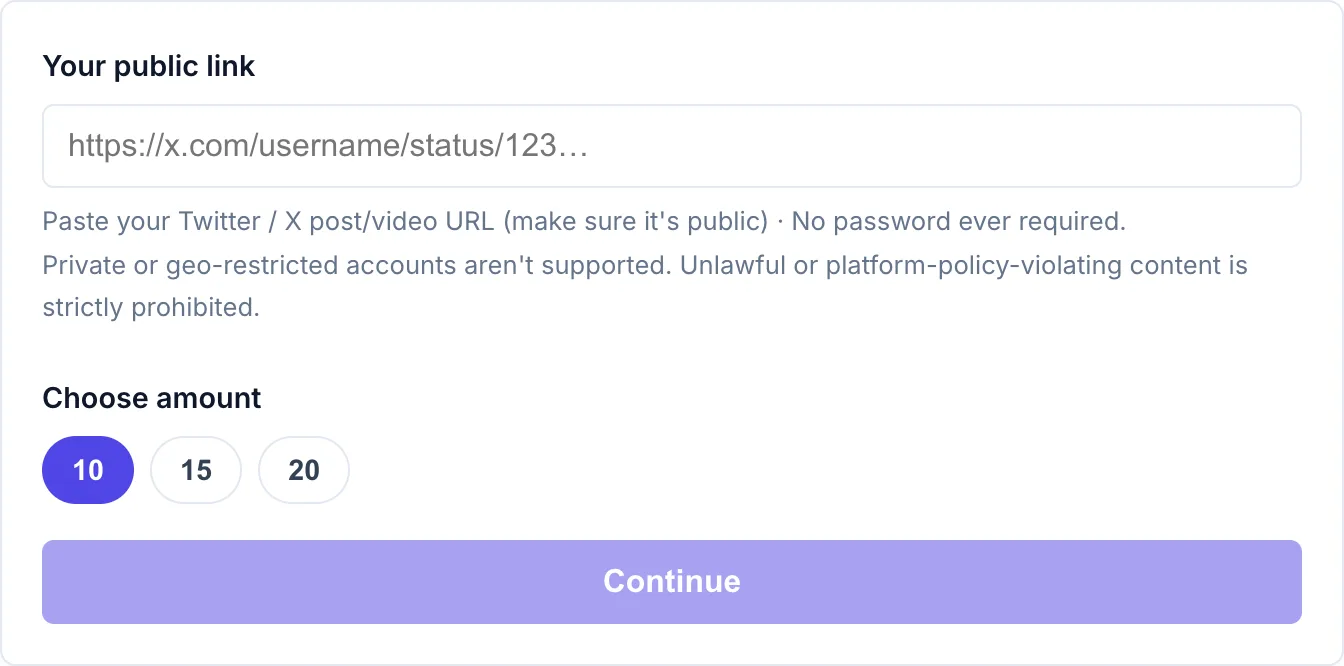
- Paste your Twitter / X link. Just your public link, never your password.
- Choose how many. Pick an amount above.
- Earn enough credits from sponsored offers or surveys, then submit. We prepare your order, then delivery starts automatically. Follow its progress on My deliveries.
Why likes matter on Twitter / X
Likes are a quick response to a post, while replies give you more detail about what readers think. Start with the tweet that best represents what you want to share: an original observation, a useful link with context, or the opening post of a thread. Make the point clear in the first line so someone seeing it outside your profile can understand it. If you use a thread, remember that each post has its own link and counts; choose the one you intend to request. Keep responding to relevant questions after posting, and review that discussion alongside the like count when deciding which subjects to cover again.
- Choose a post that represents your work well, such as an original observation or an announcement with useful detail.
- Add them within the first hour or two of posting while the timeline is still surfacing the tweet to followers.
- Keep replying to comments and quoting your own thread so real engagement builds on top of the head start.
- For threads, check that the link identifies the intended post, since each part of the thread has its own likes.
More free Twitter / X services: grow the profile with free Twitter / X followers, or add free Twitter / X tweet views to the same tweet.
No password needed
PrimeLikes uses your public link or username to deliver likes. We never ask for your Twitter / X password. Keep the content public until delivery finishes. Delivered engagement may drop, and we do not guarantee extra reach.
Frequently asked questions
How do I get free Twitter / X likes?
Enter your public Twitter / X link, choose an amount, and use credits earned from sponsored offers or surveys. Rewards vary by country; more than one offer may be needed. Your free likes are prepared and delivered automatically. No password or login needed.
Can I get 1,000 free Twitter / X likes?
Not in one go. The maximum is 320 per request. Choose one of the amounts shown in the tool; the credits required depend on the amount.
Can I split the likes across several tweets?
Each request targets one link. To boost several tweets, submit one request per link. Each uses credits from your balance.
Why is the like count lower than the amount I picked?
Check My deliveries for the request status and delivered amount. Counts can take time to update or fall after delivery. If the request ends short, My deliveries shows any credit refund.
Is it safe? Do you need my password?
Never. We only use your public link, never your password or login, so the tool never gets access to your account. Keep the selected content public until delivery finishes.
How long does it take?
Delivery starts after you have enough credits and submit the request. Large requests are delivered gradually over 24–48 hours; delays can occur. If another request for the same link is still running, yours starts once it finishes. You can close the page after submitting and check progress on My deliveries.
Is it really free?
Yes. There is no payment and no account. Request your free Twitter / X likes, and make more requests as your credit balance allows. There is no daily quota.